

Build on CoDim
The SDK puts CoDim's data streaming, compute orchestration, analysis, and 3D viewer inside your product. Your users load, filter, probe, compare, and review their data without leaving your app.
import { createClient } from '@codimensional/client'import { CoDimView } from '@codimensional/react'// Your backend issues the session. Users sign in to your app.const client = createClient({ embed: { acquire: acquireSession } })const workspace = await client.viewer.workspaces.open({})await workspace.addDataset(run.datasetId)export function Results() {return <CoDimView client={workspace.allocation.primaryView} />}The full stack
Data streaming, compute orchestration, analysis, and the 3D viewer, behind one SDK.
Your sign-in
Your backend signs users in and hands CoDim a scoped session. Users never make a CoDim account.
Your framework
Kits for React and Vue on a framework-agnostic web client.
Hands-off compute orchestration
Let the SDK handle render servers, GPU drivers, job queues, and streaming protocols.
The components behind the CoDim platform
Use the components as they are, or build your own UI on hooks for filters, measurement, time series, comparison, and presence. Components ship for React and Vue.
Need Svelte, Angular, or another framework? We will build the kit with you.
<CoDimView /> Live 3D viewport, streamed from the cloud <ComparisonView /> Runs side by side, cameras linked <ViewPanes /> Multi-view layouts of one scene <SequenceTimeline /> Transient results and playback <ProbePanel /> Exact field values at any point <ActorControls /> Display, color maps, and opacity per dataset <CommentsPanel /> Threads pinned to the 3D data <PresenceAvatars /> Who is in the scene, and follow From your pipeline to your product
Publish from Python, the CLI, or REST. Your backend hands each signed-in user a short-lived, scoped session, and the SDK adds views, filter pipelines, probes, comparisons, and post-processing jobs to your app.
1Stream from your solver
from codim.meshflight import StreamDataSetstream = StreamDataSet.get(run.dataset_id)fields = {"speed": solver.speed}with stream.connect(solver.mesh, point_data=fields) as live:for step in solver.run(case):live.send(point_data={"speed": step.speed})2Embed it in your product
import { createClient } from '@codimensional/client'import { CoDimView } from '@codimensional/react'const client = createClient({embed: { acquire: acquireSession },})const workspace = await client.viewer.workspaces.open({})await workspace.addDataset(run.datasetId)<CoDimView client={workspace.allocation.primaryView} />3Your users explore it in your app
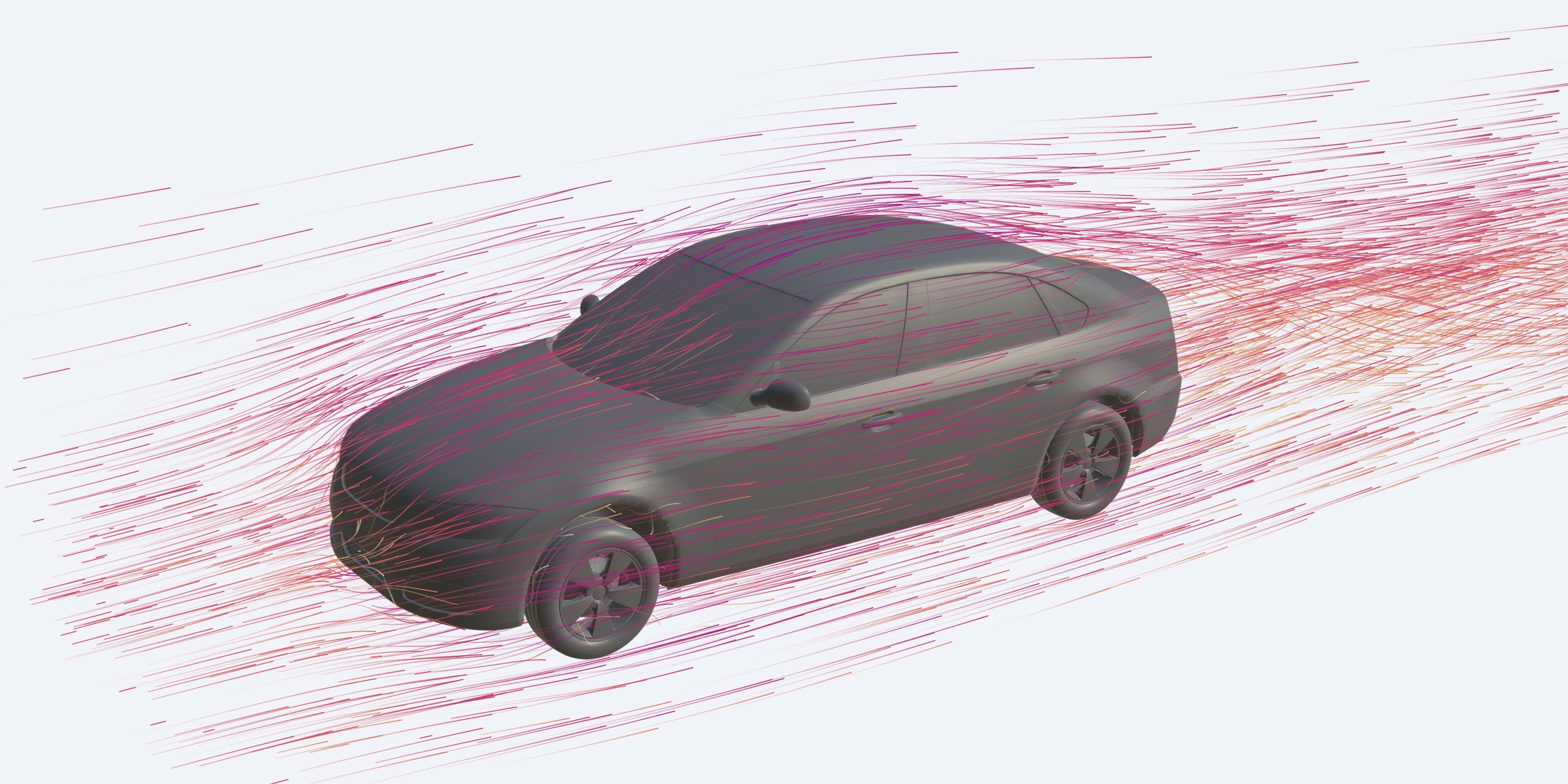 <CoDimView />
 Stream results while the solver runs
Connect a running solver, script, or service to an open scene and send each step as it is computed. When only the fields change, the geometry is sent once and each step carries just the new values.
from codim import Projectscene = Project("Wing study").default_scenesource = scene.add_stream("Live pressure")with source.connect(solver.mesh, point_data={"p": solver.p}) as live:for step in solver.run():live.send(point_data={"p": step.p})Documentation
Guides, embedding tutorials, the SDK and Python references, and the MCP tool catalog are in the CoDim developer portal. Access comes with your workspace, and we open it for teams evaluating CoDim.
- Quick start
- Embed CoDim in React or Vue
- Python client reference
- Streaming live results
- MCP tool catalog
- Auth and permissions